
21/10/2026 12:37
Which Rack Is in the Video? TikTok Cover Selection for Cambodian Storage Shops

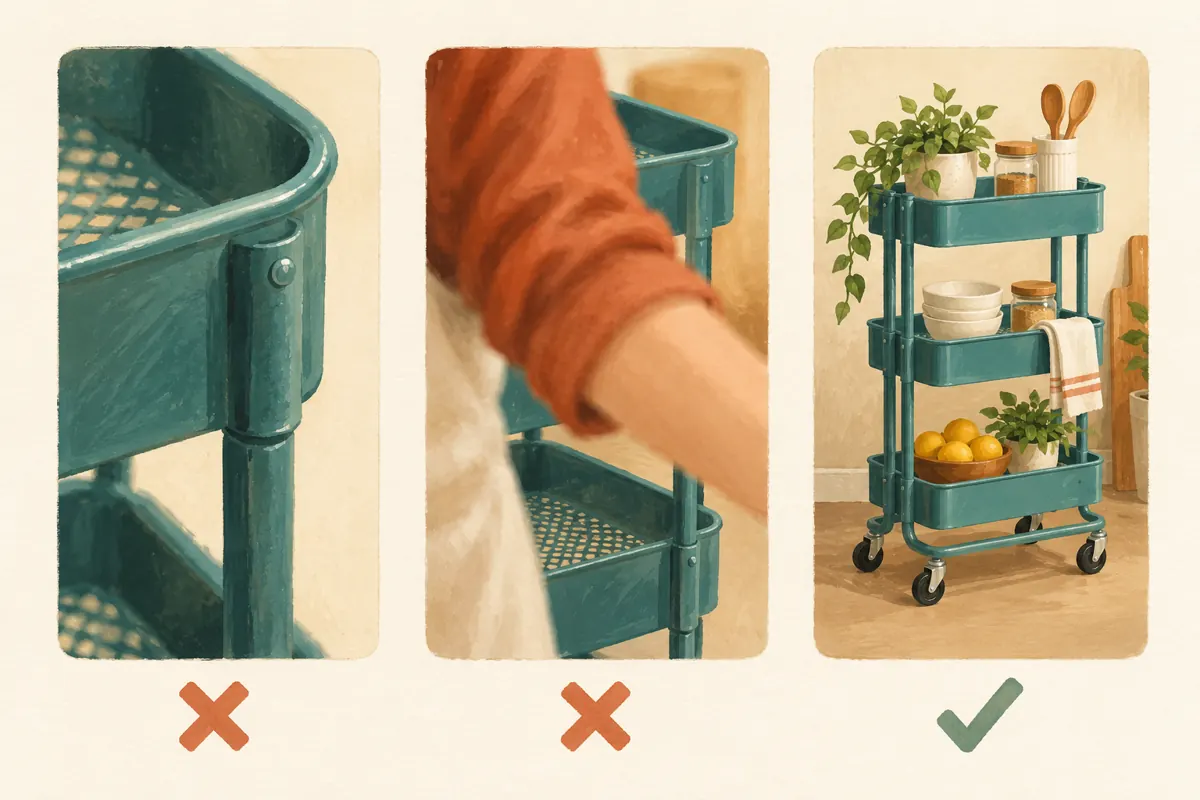
A customer remembers seeing a narrow kitchen trolley on your TikTok account, then returns to find it among several similar rack demonstrations. If every preview shows a hand, a metal corner or the same shop logo, finding the right video becomes unnecessary work. For Cambodian storage shops selling similar shelves and trolleys, cover selection is a practical catalogue task. This guide explains how to prepare a recognizable frame, select it before posting and check whether it helps people identify the product. It also explains where SMM-panel services fit into the decision: purchased viewing activity cannot establish that customers understood the cover or wanted the rack.
1. Give the cover one identification job
Start with the question a returning visitor needs answered: which video shows the product I remember? TikTok’s official help page, Editing, posting, and deleting, describes video covers as previews used in places such as profiles and search results. Treat the cover as a visual signpost. A clear signpost helps someone choose a relevant demonstration; it does not prove that the video will receive wider distribution.
For a hypothetical Phnom Penh storage shop, the distinguishing feature might be wheels, a narrow footprint or a corner-shaped shelf. Choose the feature that separates this item from nearby posts. If the video explains a removable basket, show enough of the complete rack to identify it while keeping that basket visible. A close-up that could belong to several products is usually a poor catalogue preview.
2. Write a product distinction before filming
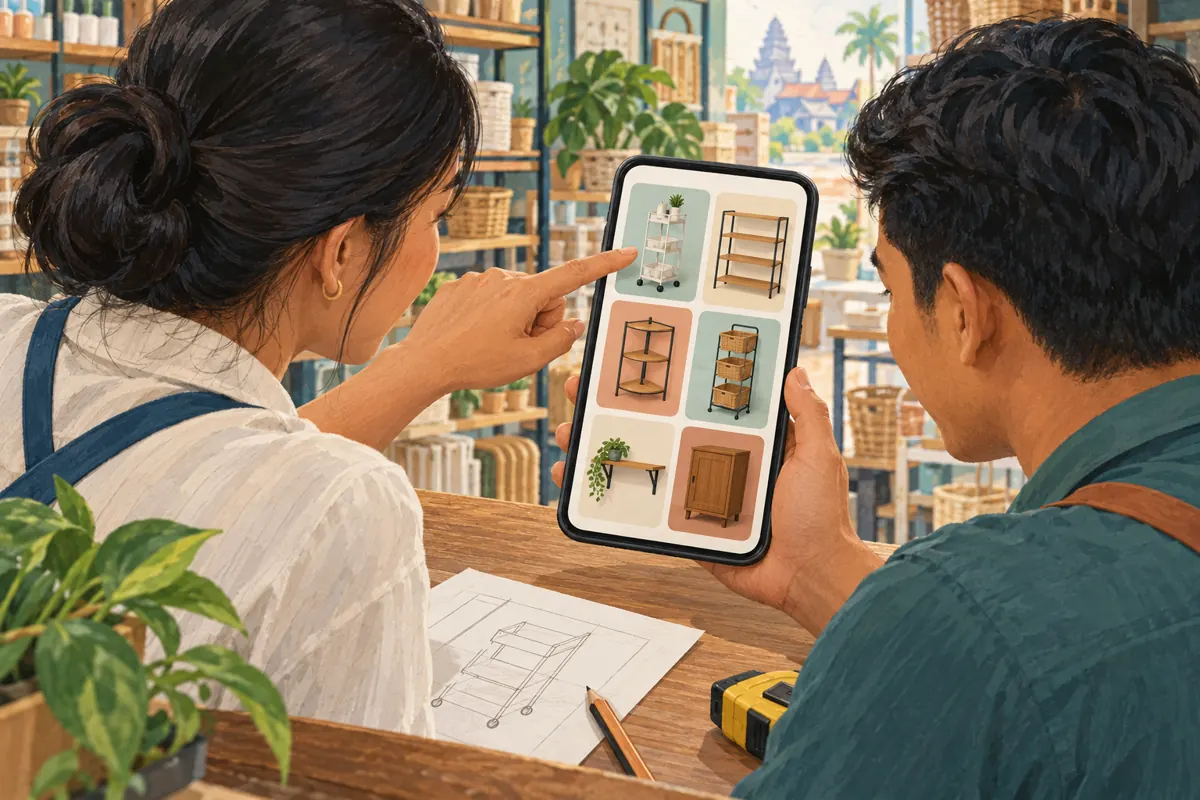
Prepare a short internal note stating the product, the demonstrated feature and the likely source of confusion. A hypothetical example is: narrow three-tier trolley; demonstration of movement beside a kitchen counter; easily confused with the wider fixed shelf. This note gives the person filming a concrete reason to include the trolley’s wheels and overall proportions.
Use the same product reference in your filming notes and enquiry records. The reference need not dominate the public image, especially if customers recognize products by shape. Record whether baskets, covers or decorative objects are included in the offer. A preview containing attractive accessories can create the wrong expectation even when the rack itself is correct. Decide which objects are necessary to demonstrate use and which merely add clutter before arranging the shot.
3. Record a usable cover moment inside the demonstration
Build a brief, steady product view into the actual footage. Position the rack against a background that separates its outline from neighbouring stock. Step aside so your arm does not hide its distinguishing feature. Let the camera settle before moving the trolley or removing a basket. This produces a useful frame while also giving viewers a moment to understand the object during playback.
In a small Cambodian shophouse, moving a product slightly away from crowded shelving may be enough. Avoid placing a bright doorway directly behind thin metal uprights if they become difficult to see. Show the complete outline when overall shape matters. For a feature demonstration, include both context and detail in the video so the cover does not need to carry the entire explanation.
4. Choose between identity, detail and comparison frames
Use a whole-product frame when the viewer first needs to distinguish one rack from another. Use a detail frame when the video answers a precise question and the detail remains recognizable at a small size. Use a comparison frame only when both products can be understood without enlarging the preview. Two tiny racks surrounded by labels may explain less than one clearly presented item.
Apply a simple decision process. First reject blurred or obstructed frames. Next reject any frame that suggests the wrong model, included accessory or product condition. Among the remaining choices, select the image that best represents the video’s actual question. For the hypothetical trolley demonstration, a steady angled view showing its tiers and wheels is more useful than the dramatic instant when it rolls partly outside the picture.
5. Select and save the frame before posting
TikTok’s documented workflow is to open Select cover on the video thumbnail from the post screen, move the selector to the desired frame and tap Save. Complete this step after the video edit is settled. Then check that the chosen preview still represents the final footage. The official instructions used here describe selection before publication; do not base your workflow on an assumed opportunity to repair the cover later.
Keep the approved product distinction beside you during this check. It is easy to choose a visually attractive frame from the wrong section of a comparison video. Also watch the opening of the finished clip: the cover and the opening should establish compatible expectations. If the preview shows the narrow trolley but the video spends its opening discussing another shelf, introduce the relationship clearly instead of leaving viewers to infer it.
6. Make language and cropping serve recognition
If you add a short identifying label through your available editing workflow, use the language your customers actually read. A Cambodian shop serving Khmer-speaking buyers should have a fluent reader check the wording and character rendering. Keep genuine model codes consistent with stock records. Avoid forcing a long bilingual description onto a small image when the full explanation belongs in the video and post caption.
Check the actual preview rather than assuming one fixed crop will work everywhere. Keep essential product features away from vulnerable edges and make sure a label does not cover the wheels or removable basket. Consistent colours can help the account feel orderly, but identical decorative templates can make different products harder to distinguish. Let the product occupy the useful space. A logo should not become the largest object in every tile.
7. Run a recognition check with someone who did not edit it
Show the proposed preview at an ordinary phone-viewing size to a colleague who was not involved in editing. Ask them to identify the product and describe what they expect the video to explain. Avoid introducing it as the narrow trolley first, because that supplies the answer. If they see a fixed shelf or assume the storage containers are included, find out which visual detail created that impression.
After publication, inspect the cover where it appears on your profile. Open the post to confirm it leads to the intended demonstration. Record any mismatch as a content issue, then check the editing options actually available before deciding what to change. If replacement becomes necessary, review shared references as well. Deleting and reposting solely to improve decoration can create more confusion than leaving an accurate, slightly imperfect cover.
8. Keep SMM-panel labels separate from cover decisions
The supplied cambo-tools.com catalogue includes the exact public title “TikTok - Video Views ~ Max Unlimited ~ 10M/Days ~ Instant ~ 𝐍𝐎 𝗥𝗘𝗙𝗜𝗟𝗟”. Its description is empty. The title identifies a video-view service category, but its wording is not independent verification of delivery speed, quantity, viewer authenticity or audience location. It provides no basis for claiming that Cambodian buyers recognized a trolley or requested its measurements.
TikTok’s Integrity and Authenticity guidelines prohibit services that artificially increase engagement and describe action against inauthentic metrics. For this workflow, exclude artificial engagement from the promotion plan. If reviewing an existing panel order, keep its delivery record separate from customer enquiries and content observations. Purchased engagement is not evidence of genuine interest, sales, ad delivery or Cambodian users. Paying for counts cannot answer whether a cover is clear.
9. Assess recognition through specific enquiries
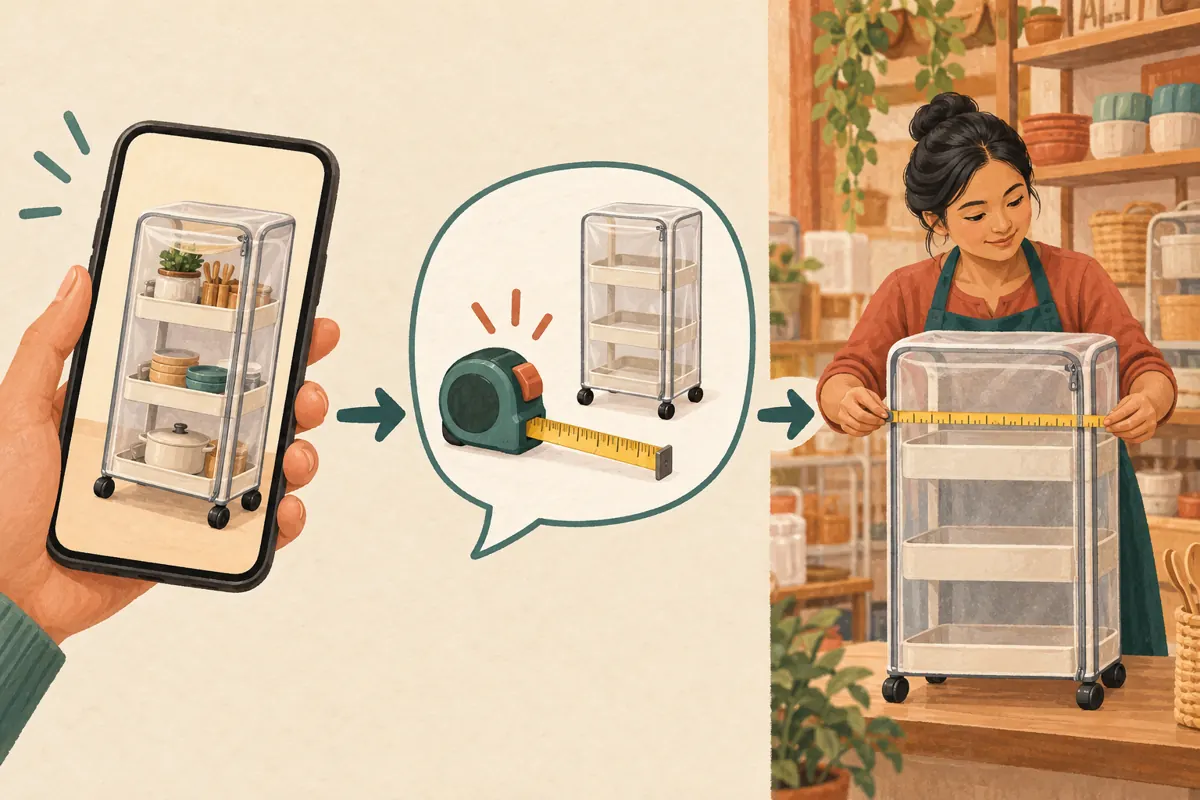
Choose an observation that matches the cover’s purpose. Useful evidence might be a customer identifying the narrow trolley without needing several clarification photos, or asking whether its outside width fits a particular space. Record the product reference, the question and any confusion. Keep this lightweight: a short note about mistaken identity is often more actionable than an elaborate report containing only totals.
Do not attribute every improvement to the cover. Stock availability, price, the demonstration itself and where someone encountered the post may all influence an enquiry. A hypothetical customer who requests a width check has expressed a specific information need, not confirmed a purchase. Review recurring misunderstandings and adjust future filming accordingly. If people repeatedly confuse wheeled and fixed models, make the base more visible in the next set of previews.
10. Avoid cover changes that create new promises
Common mistakes include choosing a different colour variant because it photographs better, showing optional accessories without context, and adding an offer that expires while the demonstration remains useful. Another mistake is selecting a flattering angle that conceals the very feature customers need to assess. A slim-looking rack still requires accurate measurements; the cover should invite the relevant explanation rather than imply that it fits every kitchen.
Finish with a clear handover between the person filming and the person publishing. Record the intended frame, product reference, accessory note and the reason for the choice. Keep the original footage available for future corrections. When stock changes, review the sales wording and enquiry response alongside the visual. An accurate demonstration can remain useful as a reference, but it should not silently function as a promise of current availability.
Frequently asked questions
Should every storage-shop cover show the complete rack?
No. A complete view is useful when product identity is the main question. A detail can work when the demonstration concerns a distinctive part, such as a removable basket, and viewers can still recognize the context. If the detail resembles several products, choose a wider frame or introduce the model clearly in the video.
Can a better cover guarantee more TikTok views?
No. This workflow improves clarity and navigation; it does not establish a distribution guarantee. A recognizable preview may help a person choose the intended video, but total views cannot isolate that effect. Evaluate whether people identify the right product and whether recurring misunderstandings become easier to resolve.
Should a Cambodian shop put both Khmer and English on every cover?
Only when both languages help the intended audience and remain readable. Start with the language customers use when asking about products. Keep essential model codes consistent, and move longer translations into the accompanying explanation. Have a fluent reader check Khmer text rather than shrinking it until it merely fits.
What if the published cover shows the wrong rack?
Check the editing controls available on that post and correct the mismatch where possible. Do not assume a particular editing window or feature is available. If replacing the post is necessary, update the references your team shares and retain the original product notes so the same mistake does not recur.
Would ordering video views help compare two cover styles?
It would not provide a trustworthy test of customer recognition. Purchased activity does not establish who understood either image, and artificial engagement conflicts with TikTok’s rules. Compare proposed previews through a simple recognition check, then review genuine product questions while acknowledging that other differences between posts also affect responses.
Explore the current service catalogue, create an account, or ask a specific question through support tickets.
- TikTok Help Center: Editing, posting, and deleting — Adding a video cover
- TikTok Community Guidelines: Integrity and Authenticity — Deceptive Behaviors and Fake Engagement
Prepared with AI assistance. Illustrations explain the workflow and do not represent customer results.