
19/10/2026 09:45
Premiere or Ordinary Upload? A YouTube Launch Workflow for Cambodian Rattan Workshops
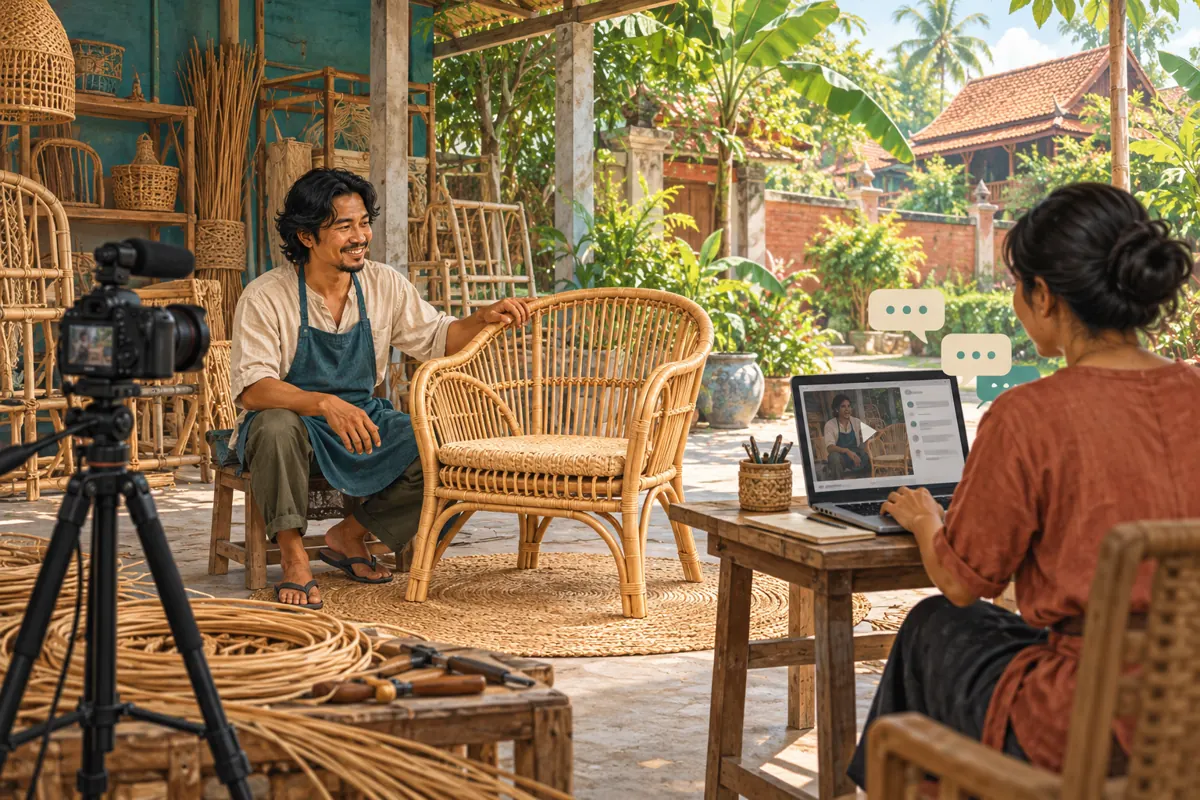
A finished workshop video does not always need an event around it. For a Cambodian rattan furniture business, a YouTube Premiere becomes useful when viewers have a reason to gather and someone knowledgeable can answer their questions. Otherwise, an ordinary upload may serve customers better. This guide follows a hypothetical Phnom Penh workshop preparing a chair-making demonstration. It explains how to choose the release format, invite viewers honestly, staff the conversation and follow up on practical enquiries. It also shows why an SMM catalogue listing cannot establish that a launch will attract interested Cambodian customers.
1. Choose the format around the customer’s task
Start by asking what the viewer needs. Someone checking how to clean a woven seat probably wants an answer immediately. Someone interested in how a new chair is made might appreciate watching with its maker and asking about materials. Choose an ordinary upload for a reference answer, a Premiere for a shared viewing appointment, or a live broadcast when the action itself must happen in response to viewers.
A YouTube Premiere presents an uploaded video for people to watch together, with a public watch page available beforehand. Afterward, the video remains a regular upload. These mechanics are documented in [YouTube’s Premiere guide](https://support.google.com/youtube/answer/9080341?hl=en).
Treat the format decision as a staffing decision too. If nobody can attend, translate questions accurately or verify product details, the appointment adds an obligation the workshop cannot meet. An accessible, well-explained video can still support promotion without a scheduled gathering.
2. Give people a concrete reason to attend
In the hypothetical workshop, the proposed video follows a chair from frame preparation to a finished woven seat. The attendance reason is specific: viewers can ask the maker about the model shown and learn what to check before visiting the showroom. Avoid an invitation built only around excitement, popularity or a demand to support the channel.
Write an internal purpose sentence: help prospective visitors understand this chair’s construction and prepare useful fitting questions. Then define the limits. The session will not provide instant quotations for every custom design, confirm unverified stock or diagnose furniture damage from a short chat message.
Choose a practical next step before promoting the event. That could be asking for confirmed dimensions or arranging a showroom visit through the shop’s usual contact route. Staff should understand what information that step requires and who will handle it after the viewing session.
3. Finish a video that works without the chat
Watch the complete export as though nobody will be available to explain it. Identify the chair model, show the relevant construction details and make clear which scenes are abbreviated. A montage of weaving should not imply that a finished chair takes only the length of the video to produce. Explain any important process omitted from the edit.
Keep essential product qualifications inside the video or its supporting description. If a finish is intended for a particular environment, use only the workshop’s verified guidance. Do not leave a material limitation to a passing chat reply that later viewers may miss.
Check Khmer speech and any subtitles with someone who understands the craft vocabulary. Remove background conversations, customer documents and unrelated order details. Finally, have another staff member identify one unanswered buying question. Resolve it before scheduling if it changes what the video appears to promise.
4. Schedule only after the release is ready
In YouTube Studio, upload the video, complete its details, choose Schedule, enter the date and time, and select Set as Premiere. You can configure the countdown before scheduling. YouTube currently excludes Shorts, 360/VR180 videos and output above 1080p from Premieres. Check the [official setup instructions](https://support.google.com/youtube/answer/9080341?hl=en) before preparing the final export.
Choose a time the workshop can actually support. Do not assume that an evening slot suits every Cambodian customer. Consider the people you intend to invite, staff availability and whether showroom duties will interrupt replies. State Cambodia time explicitly in invitations.
For a hypothetical 7:00 p.m. appointment, tell viewers that the countdown begins then; YouTube starts the selected countdown at the scheduled time. Keep an internal note of the chosen countdown length so staff do not mistakenly announce a playback delay. Open the public watch page and verify the displayed information.
5. Invite viewers with one clear promise
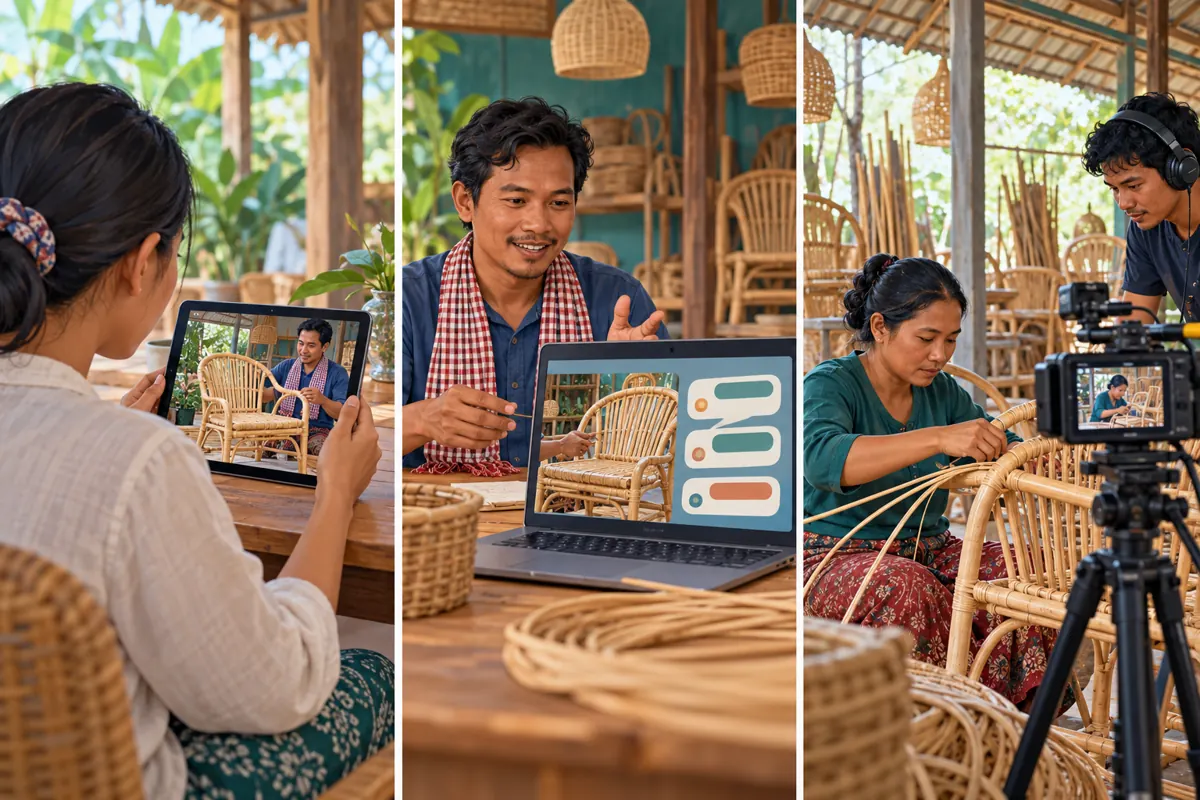
A hypothetical invitation could read: Watch our recorded rattan chair demonstration on Saturday at 7:00 p.m., Cambodia time. Our workshop team will be in the chat to answer questions about the model shown. Add the verified watch-page link and specify the calendar date before using this wording. Say that the demonstration is recorded.
YouTube recommends scheduling at least 24 hours ahead and using the Premiere’s shareable page to build awareness. Its creator guidance also encourages hosts to be present and invite questions. These are preparation suggestions, not attendance guarantees. See [YouTube’s Premiere tips](https://support.google.com/youtube/answer/12356784?hl=en).
Use your existing business channels where the invitation is relevant. A brief process excerpt can explain what viewers will learn. Ask permission before posting in someone else’s group, and avoid sending repeated unsolicited messages. Answer practical questions about language, timing and the subject rather than promising a crowded event.
6. Assign answers before assigning devices
Give each responsibility an owner. One person should handle factual craft questions, another should monitor the conversation and record matters requiring follow-up. In a small workshop, one person may cover both roles, but the invitation must match that capacity. Do not promise immediate answers while the same employee serves showroom customers.
Prepare a short answer sheet with the model name, verified dimensions, finish options and the approved enquiry route. Separate confirmed information from details that require checking. A useful response is: We need to confirm that finish for this model and will reply through our usual business contact.
Decide how to handle Khmer and English questions without changing the meaning of technical terms. Keep public replies focused on the product. Ask customers to use the established private contact route for delivery addresses or order details. Never request payment information in the public conversation.
7. Keep SMM catalogue claims outside the attendance plan
The supplied catalogue includes the exact service name “YouTube - Views ~ Native Social Ads ~ Min 1M ~ Lifetime ~ 100k+/day ~ 0-3hrs”. Its category presents it as a YouTube views listing, but the supplied description is empty. The wording does not verify an advertising method, official affiliation, delivery schedule, Cambodian audience or compatibility with a Premiere. Treat those details as unresolved.
A Premiere needs people who voluntarily choose to watch and discuss the subject. Purchased engagement is not evidence of genuine interest, sales, ad delivery or Cambodian users. A delivery record also cannot establish that anyone attended the scheduled conversation or understood the chair demonstration.
YouTube prohibits artificial metric inflation and says a hired promoter’s actions can affect the channel. Review its [fake engagement policy](https://support.google.com/youtube/answer/3399767?hl=en). Reject methods that artificially increase engagement; an unclear method is a reason to stop the purchase. Prioritize an accurate invitation, understandable video and staffed replies.
8. Host the conversation without overwhelming the video
Before the appointment, open the watch page, check the staff connection and have the answer sheet ready. Begin with a short welcome explaining who is responding and what questions the team can address. Avoid filling the conversation with repeated promotional messages while people are trying to watch.
Match replies to what viewers are seeing. During a weaving close-up, answer a question about that material. If someone asks about a different chair, acknowledge the question and direct it to follow-up. This keeps the session useful without making the demonstration carry the entire catalogue.
Do not manufacture questions or pretend staff messages come from customers. If the conversation is quiet, offer one clearly identified observation from the maker, then allow space. A small, honest discussion can reveal useful confusion; a busy-looking conversation created for appearances cannot.
9. Prepare for absence, connection trouble and uncertainty
Decide in advance what happens if the maker becomes unavailable. Before release, review whether the promised question session can still be delivered. If the plan changes, update the watch-page information and the channels carrying the invitation. Do not leave viewers expecting a person who will not attend.
If the host loses connection during the session, a colleague can acknowledge the interruption and collect questions for later. Avoid promising an exact response time until the responsible person confirms availability. The team should have a clear route for passing unresolved questions to that person.
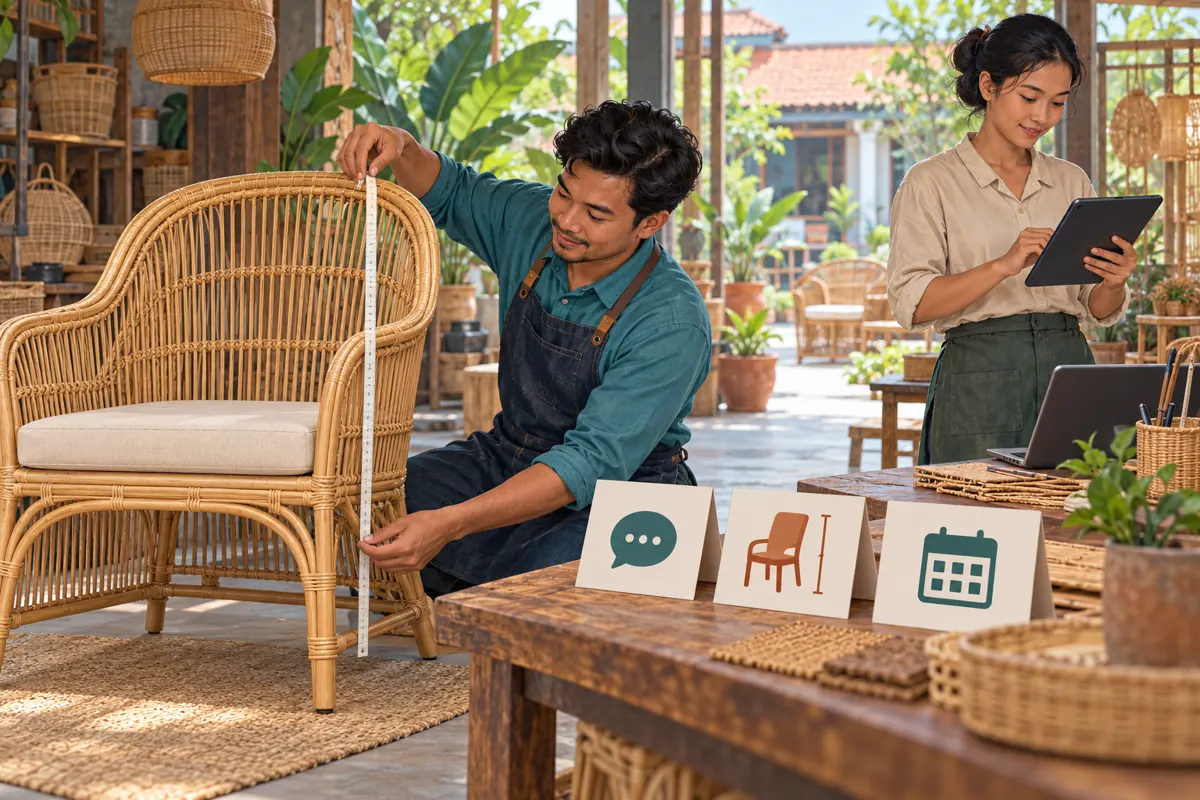
Separate uncertain product facts from technical problems. If a viewer asks whether the chair fits beneath a particular table, do not guess from a photograph. Explain which measurements are needed and arrange a proper check. Public speed matters less than giving an answer the workshop can stand behind.
10. Make the replay useful to someone arriving later
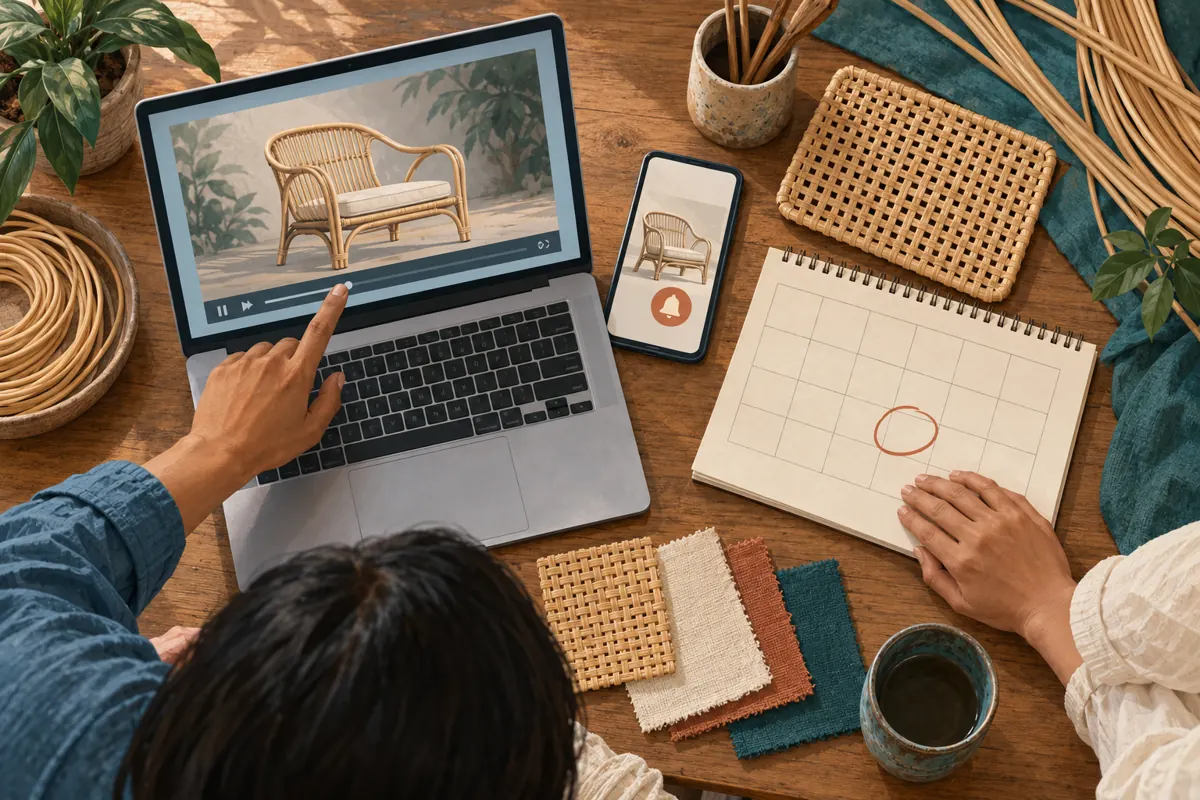
After the session, inspect the description and your promotional messages for wording that has expired. Replace invitations to join tonight with an accurate statement that the demonstration is available to watch. Keep the product information understandable for somebody who never saw the original announcement.
Turn unresolved questions into specific follow-up tasks. In a hypothetical example, a viewer asks whether the chair’s arms fit under their dining table. A staff member should confirm the relevant chair measurement, explain how the customer can measure their table and avoid declaring compatibility without sufficient information.
Record promised replies in the normal business workflow. A useful record contains the question, responsible employee, information still needed and response status. Keep personal customer details out of a shared editorial document. If an answer is broadly useful, consider adding it to the video description after verification.
11. Decide whether another Premiere earns its effort
Review the event against its original purpose. Did viewers ask relevant construction questions? Did the team resolve them? Did anyone voluntarily request dimensions or a showroom appointment? Record only what happened, distinguishing an enquiry from a booking and a booking from a completed sale.
Ask staff what the format cost in preparation and attention. If employees repeatedly left customers waiting to monitor an empty conversation, an ordinary upload may be the better next choice. If the shared appointment helped explain a complex technique, another Premiere could be worthwhile for a similarly suitable subject.
Avoid choosing the next format from a single public counter. If any outside promotion occurred, document it separately and acknowledge uncertainty about its contribution. Continue with Premieres only when the viewing appointment provides a useful experience that the team can deliver consistently.
Frequently asked questions
Should a small Cambodian workshop use a Premiere for every demonstration?
No. Reserve it for videos with a useful shared discussion and reliable staffing. Routine care instructions or measurements usually work well as videos customers can consult whenever needed. Frequent appointments can consume staff attention without improving the customer’s experience.
Can an SMM views order fill the Premiere with interested customers?
A views order cannot establish voluntary attendance, Cambodian location or buying intent. The supplied listing has no description confirming how delivery works. Do not use an order quantity as an attendance forecast or as evidence that the workshop has attracted prospective buyers.
What if nobody asks a question during the Premiere?
Let the video remain the main activity. The maker can offer a relevant observation under their own identity, but should not invent customer questions. Afterward, assess whether the invitation explained the benefit and whether the subject needed a scheduled discussion at all.
Can the host demonstrate a requested change during the prerecorded video?
The uploaded footage is already fixed. The host can answer in chat, clarify what the footage shows or arrange another demonstration. Avoid wording that suggests viewers can direct the recorded action. If real-time changes are central to the experience, reconsider the release format.
What is a sensible first success criterion?
Choose a criterion within the workshop’s control: delivering the promised explanation and following up accurately on relevant questions. You can separately record enquiries and appointments that actually occur. Do not invent a minimum audience size or treat a quiet first session as proof of weak product demand.
Explore the current service catalogue, create an account, or ask a specific question through support tickets.
- YouTube Help: Premiere a new video
- YouTube Help: YouTube premiere tips
- YouTube Help: Fake engagement policy
Prepared with AI assistance. Illustrations explain the workflow and do not represent customer results.