
19/10/2026 23:28
Can You Show the Repair Without the Customer? YouTube Blur for Cambodian Phone Shops
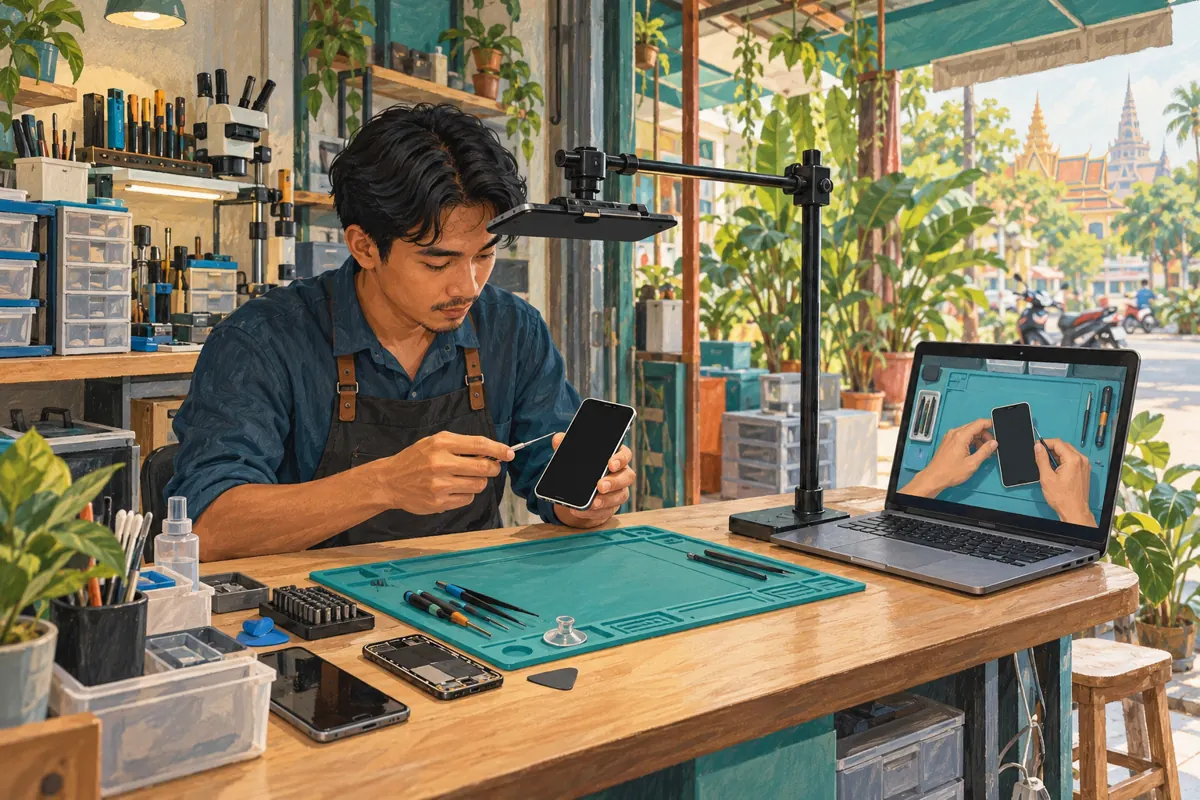
A useful repair demonstration can accidentally show more than the repair: a notification on a customer's screen, a collection receipt beside the tools, or someone reflected in the glass. For Cambodian phone shops promoting their work on YouTube, those details deserve attention before the video reaches a wider audience. This workflow explains when to reshoot, when a blur may help, and how to check the finished result. It also gives SMM-panel customers a decision point: a video being ready to share does not mean every promotional service is appropriate. The shop scenario below is hypothetical, not a customer story or a claim about business results.
1. Define what the repair video needs to show
Imagine a hypothetical Phnom Penh phone shop making a demonstration about fitting a replacement phone case. The useful evidence is the fit around the buttons, camera opening and charging port. The customer's messages, face and collection paperwork add nothing to that explanation. Write the video's purpose in one sentence before reviewing the footage: help viewers identify what to check when choosing a case.
Use that sentence to decide which details deserve screen space. A close view of the case edge supports the lesson; a wide view across the customer counter may introduce distractions. Keep the explanation in the language the shop's intended viewers understand, and use the exact model name where needed. End with a modest enquiry invitation, such as asking viewers to send the phone model and the case style they want. Do not ask them to post device identifiers or personal account information in public comments.
2. Remove private material before recording
The easiest review starts with a controlled bench. Use a shop-owned demonstration device where possible, remove customer paperwork, and point the camera away from the waiting area. Check reflective screens and nearby mirrors. Keep the work surface limited to objects that explain the task. This preparation makes the video easier to follow as well as reducing the amount of editing required.
If a customer device is necessary, agree on the filming scope before recording and avoid opening personal apps. Do not change customer settings or remove their data merely to simplify a shoot. A repair authorisation should not be treated as permission to feature someone in marketing. For the hypothetical case-fitting demonstration, the shop can usually show the outside of a demonstration phone with the screen off. Record a short test and inspect it before spending time on the full explanation.
3. Build a precise review list
Watch the footage once for the lesson and again for incidental details. During the second pass, record the start and end of each problem, what appears, and the intended remedy. A useful note says that a receipt enters beside the phone during the final close-up. An unhelpful note says only that the video needs a privacy check. Describe the issue without copying the sensitive information into your notes.
Separate visual problems from spoken ones. A screen notification, a face in the background and a customer name spoken by the technician require different decisions. Also check the selected thumbnail and any still images prepared for other social channels. Assign one person to make the changes and another to review them when staffing permits. For a small shop working alone, taking a break before the second review can help interrupt the habit of watching only the repair.
4. Choose between blur, reframing and reshooting
A small incidental detail may be manageable with blur. A screen full of personal information that occupies most of the demonstration is a stronger reason to reshoot using a clean device. If hiding the sensitive area also hides the lesson, the result is not ready for promotion. Choose the remedy that leaves viewers with a clear explanation and gives the reviewer confidence that unwanted details are absent.
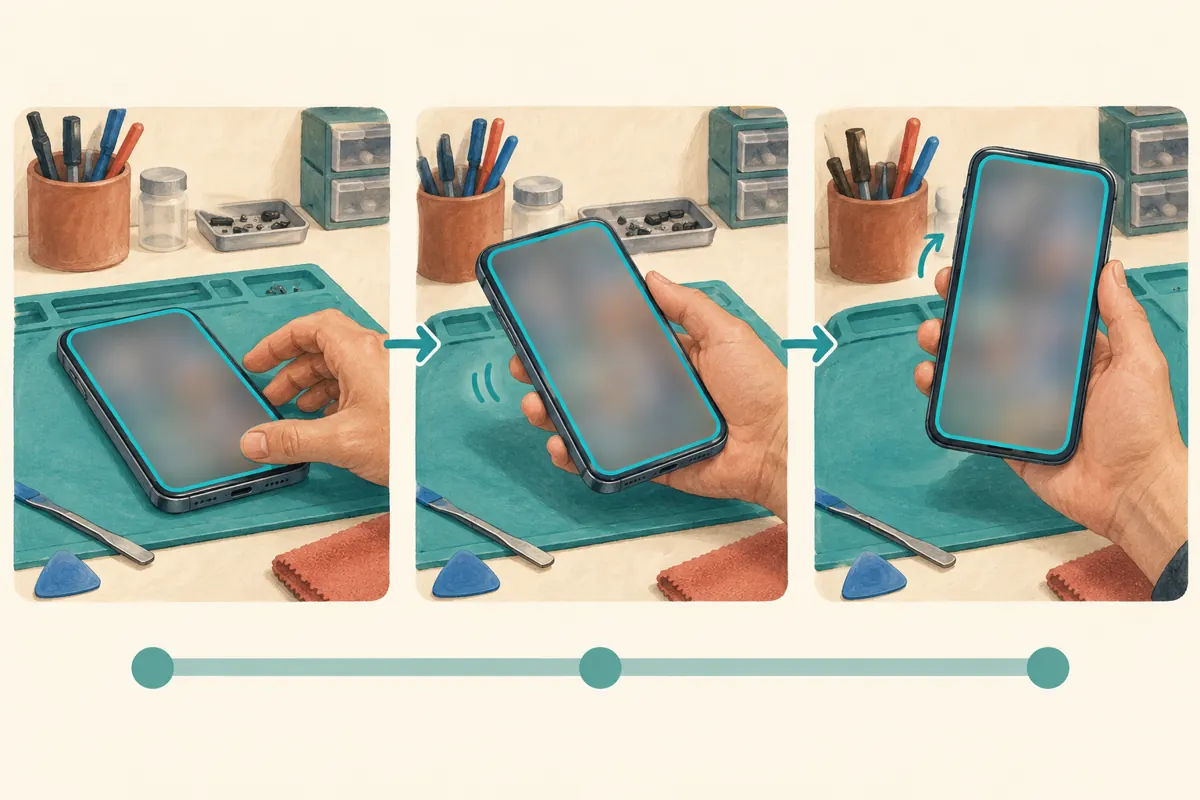
Consider the whole sequence, not one attractive frame. In the hypothetical shop, the technician lifts the phone, turns it sideways and places it near a receipt. A blur that looks adequate while the phone lies flat may fail during that movement. If the shot adds little educational value, replace it with a simpler close-up. Do not use blur to hide a damaged component or obscure something essential to judging the work; describe relevant limitations honestly.

5. Use the appropriate YouTube blur control
YouTube's official instructions place blur editing in YouTube Studio on a computer. Open Content, select the video, then Editor. Under Blur, choose Face blur for detected faces or Custom blur for a selected area. For face blur, wait for processing, select the faces and apply the effect. Review the result before saving.
Custom blur lets you position and resize a rectangle or oval. Adjust its timeline endpoints to control when it appears. Track object lets the area move; Fix blur position keeps it in one place. These controls are documented in YouTube Help's “Blur your videos” page, listed in the sources.
For the shop's review, decide exactly what must remain unreadable before adjusting anything. A box drawn around the middle of a phone screen may leave a notification at the top exposed. Leave enough coverage for the sensitive area without concealing the case edge that viewers need to inspect.
6. Check the movement, not just the preview still
Play every affected passage from slightly before the sensitive detail appears until after it disappears. Pay particular attention to the moment a hand crosses the screen, the phone turns, or the camera changes angle. Then pause at several points to inspect the edges of the covered area. This is a review method, not a guarantee that any automated tracking will be perfect.
Look for separate appearances elsewhere in the video. The same receipt may return in the closing shot, and a customer's reflection may appear only when the phone tilts toward the light. Inspect the version at a size that makes small details visible; a tiny preview can conceal a problem from the reviewer. If repeated adjustments still leave uncertainty, use a clean replacement shot. The deadline for a promotional post is not a good reason to approve an unresolved exposure.
7. Treat saving as a deliberate decision
YouTube states that, since June 2025, saved Studio Editor changes cannot be undone through Revert to original. It also notes that some unedited videos above 100,000 views may have editing restrictions, with exceptions for face blur and channels in the YouTube Partner Program. Keep an appropriately secured source copy before editing and do not promise a colleague that any saved change can simply be reversed.
After saving and allowing processing to complete, watch the finished video through its normal viewing page. Confirm that the intended changes are present and the explanation still works. Have the reviewer use the actual video address, rather than an earlier export stored in a chat. If the tool cannot produce a satisfactory result, stop promotion and prepare a corrected version. Record which version passed review so a colleague does not later share an older copy by mistake.
8. Review sound and supporting material separately
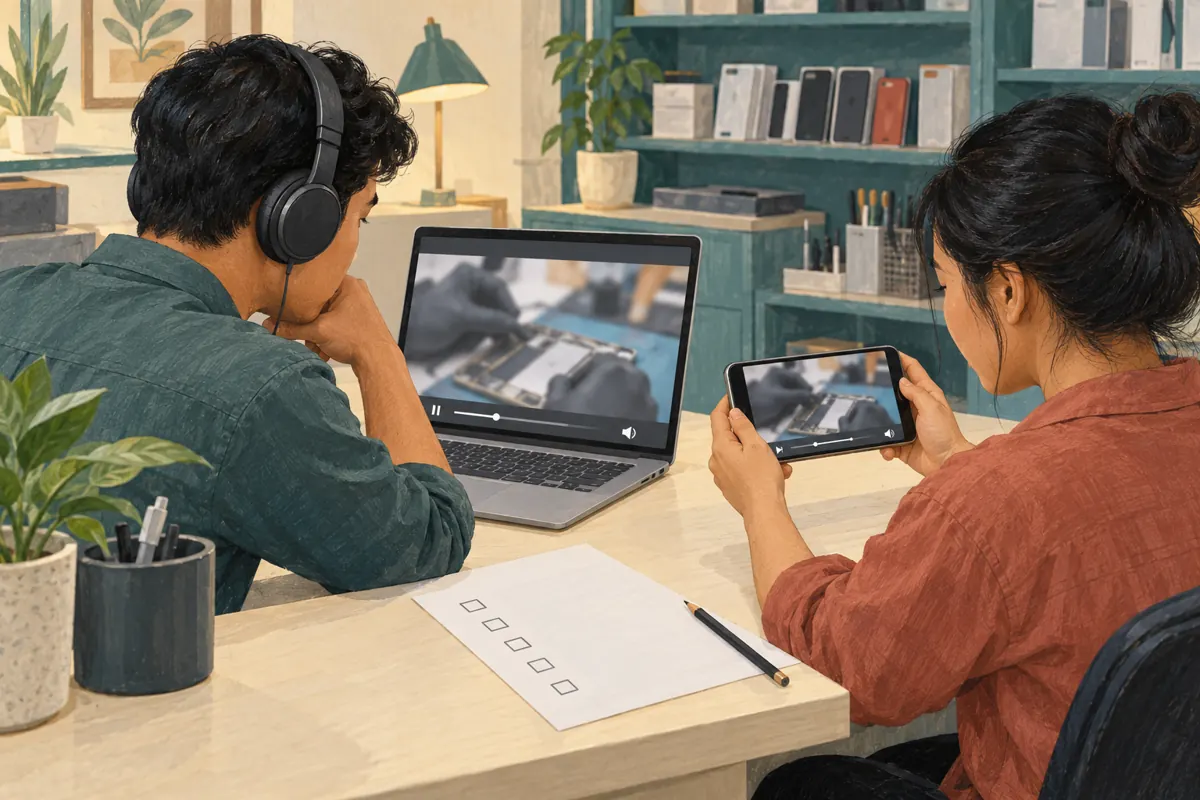
Blurring the picture does not remove a spoken customer name. Listen with headphones for names, contact details and background conversations. Where the recording contains unwanted speech, prepare corrected audio or replace the passage in the source edit. Do not assume that an image adjustment solves everything simply because the most obvious visual problem has disappeared.
Review captions, the thumbnail, description and any promotional excerpt alongside the finished video. A clean main video can still be accompanied by an unsuitable still image. For a Cambodian shop using Khmer narration and English model names, check both parts carefully: a caption should preserve the technical meaning without reproducing an incidental personal detail. Keep the public description focused on the demonstrated task, relevant product limitations and the shop's intended contact route. Avoid turning a real customer's repair into an implied endorsement.
9. Apply a separate SMM-service decision
The supplied catalogue includes “Youtube Watch Time ~ Video 60 Min+ Length [ Q 1k=1000 hrs ] ~ 500/days ~ 0-24 Hours ~ 𝗥𝗘𝗙𝗜𝗟𝗟 30D”. Its title labels it as a watch-time offering, but the supplied description is empty. The label alone does not establish delivery methods, audience location, authentic interest or platform compliance. It also provides no reason to stretch a brief case-fitting explanation into a long video.
YouTube's fake engagement policy prohibits artificial increases in views, likes and other metrics, and says a hired promoter's actions can affect the channel. Review the method against that policy before considering an order; decline a service that relies on artificial engagement. Purchased engagement is not evidence of sales, ad delivery or Cambodian users. A practical alternative is to share the reviewed demonstration through the shop's existing customer communication channels where it answers a relevant question, without presenting bought activity as customer approval.
10. Promote the useful answer and learn from enquiries
Once the video passes review, introduce it with the problem it solves: checking whether a case leaves the charging port accessible, for example. Keep availability and enquiry instructions accurate. In the hypothetical shop, a staff member can share the video when someone asks how to compare two case designs, then answer the remaining model-specific question. The video supports a conversation; it does not establish compatibility for every phone.
Record useful follow-up questions without retaining unnecessary personal details. If viewers repeatedly ask whether a thicker cable plug fits, that suggests a clearer close-up for the next demonstration. If no enquiries arrive, examine the topic, explanation and contact route before attributing the outcome to insufficient engagement. Common mistakes include approving only the opening shot, forgetting audio, sharing an outdated export and treating a higher counter as proof of trust. A repeatable review process addresses those mistakes more directly than a larger promotional order.
Frequently asked questions
Is face blur enough for a phone repair demonstration?
Not necessarily. A repair bench may show a notification, job receipt, device label or reflection even when no face is visible. Review the whole frame and the sound. Decide what information the lesson actually needs, then remove or conceal unrelated details. Face blur addresses only one category of visual exposure.
Should we blur the whole phone screen?
That depends on the lesson. For an exterior case-fitting demonstration, hiding the screen may leave the useful details visible. For a tutorial that depends on reading settings, it may destroy the explanation. Use a clean demonstration device or reshoot the relevant steps when covering the screen would prevent viewers from following.
What if the video has already been shared?
Pause further promotion while you correct and review it. Check the places your team controls for excerpts or still images containing the same detail. An edit to one video does not alter separate copies previously exported or shared elsewhere. Avoid claiming that the correction has removed every earlier exposure.
Can we send the original recording to an SMM provider for checking?
A provider assessing a promotion request generally does not need customer paperwork or unreviewed footage. Complete the content review within your authorised editing process first. Share only information necessary for a clearly defined task, and do not provide account passwords or private customer material to explain an ordinary service question.
Does a successful blur make a panel watch-time service suitable?
No. Content review and promotional-method review answer different questions. Blur concerns what the video reveals; the service review concerns how activity is generated and whether the method complies with YouTube's rules. An empty service description leaves important questions unanswered. Do not treat a catalogue listing or a delivery claim as approval from YouTube.
Explore the current service catalogue, create an account, or ask a specific question through support tickets.
Prepared with AI assistance. Illustrations explain the workflow and do not represent customer results.