
22/10/2026 11:27
Who Can Publish the Offer? Telegram Admin Rights for Cambodian Floor-Mat Shops

A shop assistant may understand how to photograph a woven mat without being responsible for changing the shop’s public channel. That distinction matters when a Cambodian business brings in temporary help for a promotion. The practical question is how much access the work requires, who approves the offer and who handles corrections. This guide follows a hypothetical Phnom Penh floor-mat shop preparing a weekend product feature. It explains how to decide between draft-only help and Telegram administrator access, rehearse the work, keep SMM panel requests separate and finish with a deliberate access review.
1. Describe the assignment before choosing access
In this hypothetical example, the owner wants an assistant to prepare photographs of washable entrance mats and woven indoor mats. Buyers should understand the difference, see the available sizes and know how to ask about collection. The assistant’s assignment is to assemble the approved material and publish it during an agreed window. Confirming stock, changing prices and accepting reservations remain the owner’s responsibilities.
Write that division in a short working note. Include the exact channel, the product range, the person approving the final caption and the time when the assignment ends, expressed in Cambodia local time. Replace vague instructions such as “manage the promotion” with observable actions. Preparing a photograph, publishing a caption and replying to a price question are different tasks. Separating them makes it easier to decide which access is necessary and prevents an assistant from improvising commercial promises.
2. Decide whether the assistant needs administrator access
Start with a simple decision: must this person actually publish? If the assistant only crops photographs, checks Khmer wording or prepares captions, send the drafts to the owner for publication. Draft-only collaboration can be practical for a short campaign, especially when every offer needs a stock check. It also avoids creating an access arrangement that someone must remember to close.
If the owner cannot cover the publishing window, a trusted assistant may need channel access. Telegram’s Channels FAQ confirms that owners can appoint and remove administrators and configure rights individually. The relevant official explanation is https://telegram.org/faq_channels. Treat appointment as a business decision with a named purpose. Do not share the owner’s login code or personal account session to make the handover quicker. The assistant should use their own identified account, and the owner should remain available for decisions outside the agreed assignment.
3. Match permissions to the actual publishing job
Review the assistant’s entry in the channel’s administrator settings and read every permission before saving. Telegram documents separate rights for posting, editing or deleting other administrators’ messages, changing channel information, adding administrators and other activities. It also documents broader administrator visibility, including access to the admin log and channel members. Limited publishing rights therefore do not mean the person can see only the draft they are handling. Source: https://core.telegram.org/constructor/chatAdminRights.
For this shop’s proposed workflow, the owner should assess publishing access while retaining unrelated controls. Ask who will correct an older owner-written post, who will remove an inaccurate offer and who will cover urgent questions. If the answer is the owner, there is no operational reason to expand the assistant’s role merely for convenience. Read the current app’s wording carefully rather than copying a screenshot from another business. If the available controls do not support a comfortable arrangement, return to owner publication.
4. Give the publisher a complete product packet
Permissions cannot compensate for incomplete product information. Prepare one packet for each featured mat: the approved photograph, material description, dimensions, cleaning guidance supplied by the business, confirmed availability and enquiry destination. Distinguish the mat’s actual size from packaging dimensions. If a photograph includes several patterns, explain whether buyers can choose a pattern or must check current stock. Avoid allowing the assistant to infer these details from the image.
For Cambodian readers, decide which customer-facing information needs Khmer and have someone competent check the final wording. Keep product codes consistent across languages. If prices appear in more than one currency, the owner should approve the amounts and payment terms rather than leaving conversion to the publisher. Add a clear instruction for uncertainty: hold the affected post and contact the owner. A delayed feature is easier to manage than enquiries generated by a size, price or availability claim nobody approved.
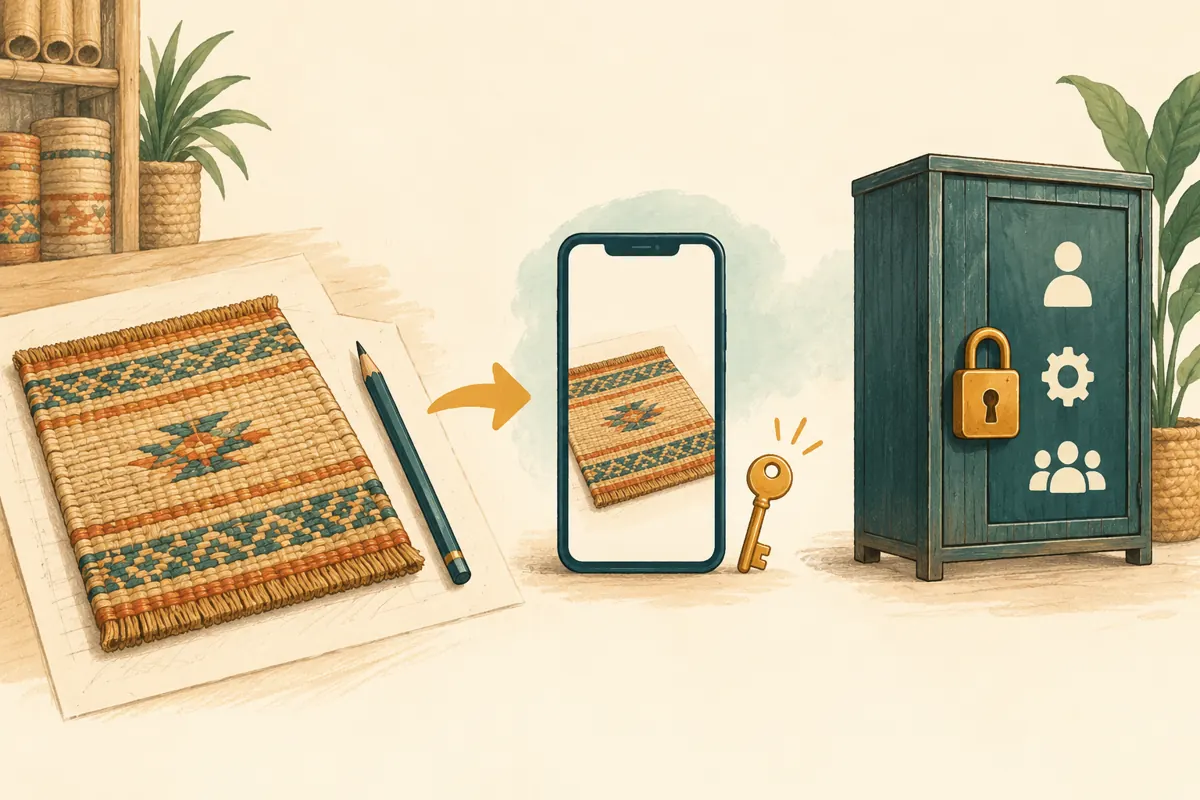
5. Rehearse the workflow before the public offer
Use a separate practice channel with harmless sample material to rehearse the intended arrangement. Clearly distinguish it from the customer channel. The assistant should identify the approved photograph, prepare the caption and complete the publishing task under supervision. The owner can then inspect the result on a second phone. This exercise checks understanding as well as access: selecting the correct mat photograph matters just as much as finding the publish control.
Compare the practice result with the product packet. Check the visible mat edge, orientation, units, caption breaks and contact destination. Ask the assistant to explain what they would do if the owner changed availability just before publication. The expected answer should follow the written workflow, not a guess about customer demand. Record any confusion and resolve it before granting live access. A successful rehearsal is useful evidence of readiness, but it does not replace reviewing the live channel’s actual settings.
6. Keep SMM panel decisions separate from channel access
A panel request and an administrator appointment solve different problems. The supplied catalogue includes the exact public service name “Telegram - Premium views - [ MIXED COUNTRY ]”. Its title presents it as a Telegram views offering, but the brief supplies no description. That leaves its requirements, delivery conditions and audience characteristics unverified. Nothing in that listing establishes that a provider needs administrator access or that the service reaches Cambodian buyers.
Before considering a request, read the current service requirements and applicable platform rules. Keep the service selection, destination reference and any order record with the person responsible for purchasing. Do not let an assistant interpret an unfamiliar access request as automatic authority to add another administrator. Purchased engagement is not evidence of genuine interest, sales, ad delivery or Cambodian users. It also cannot establish that the mat description is understandable. If the service cannot be evaluated from documented information, defer it while continuing ordinary content preparation.
7. Run the promotion with a clear correction route
Before the publishing window, the owner should reconfirm the featured products and identify the person answering enquiries. The assistant publishes only the approved version, then sends the owner the live post reference. Review it as a customer would: does the picture match the offer, is the size unambiguous and is the next step clear? Keep the approved packet available so that a discrepancy can be checked without reconstructing a conversation.
Suppose, hypothetically, the owner discovers that the photographed border pattern is unavailable. The assistant should flag the affected post immediately and pause related planned content. The owner decides whether to correct the wording, substitute an approved photograph or withdraw the offer. Do not silently make a different product appear equivalent. When a change affects someone already discussing a purchase, the enquiry handler should explain it directly. Assigning that responsibility beforehand prevents both workers from assuming the other has contacted the buyer.

8. Review recent actions without confusing activity with results
If an unexpected change appears, review the available administrative record promptly. Telegram documents an admin log for channels and supergroups, covering recent relevant actions such as changes to settings and information. Its documentation also describes filtering by action or administrator: https://core.telegram.org/api/recent-actions. Use this record to investigate the specific discrepancy. Keep your own concise approval note rather than treating a recent-activity feature as the business’s permanent editorial archive.
Separate that operational review from the campaign review. A correctly published post shows that the assignment was completed; it does not show that buyers wanted the mat. Record actual questions about dimensions, cleaning, collection and stock, then decide what needs clearer explanation. Telegram also describes channel view counts as approximate and inclusive of forwarded-copy views in its Channels FAQ. Avoid presenting the counter as a count of unique local customers or attributing every enquiry to a particular promotional action.
9. Close temporary access as part of finishing the job
Set the access review before the campaign starts, with a named owner responsible for it. At the end of the assignment, review the administrator list and remove or revise access that no longer has a purpose. Do not let “we may need help again” become an indefinite publishing role. A future assignment can begin with a fresh review of the products, worker and responsibilities.
Before closing the handover, inspect any remaining planned content, unresolved customer questions and offers that need an availability update. Record who now owns each item. Recheck the live channel’s public details and preserve the final approved materials in the shop’s normal working records. Any panel order still being followed should stay with its designated purchaser. Ending the assistant’s editorial assignment should not leave a service enquiry or a customer promise without someone responsible for resolving it.
10. Fix the mistakes that create unnecessary access
The first common mistake is treating a job title as a permission plan. “Marketing helper” says little about whether someone needs to publish, edit another person’s work or change channel details. The second is granting every available right to avoid interruptions. Interruptions often reveal missing instructions: the assistant needs an approved answer about cleaning or stock, not additional account control.
Another mistake is assuming technical access supplies editorial approval. A worker may be able to post while still needing the owner’s agreement on a discount or product substitution. Write those boundaries in plain language and make them easy to consult. Finally, avoid measuring the assistant’s success by purchased counts or by how busy the channel looks. A stronger review asks whether the correct offer appeared, enquiries reached the right person, errors were handled clearly and temporary access ended when the work was complete.

Frequently asked questions
Should a temporary photographer become a Telegram administrator?
Only if the agreed work requires channel administration. Someone who takes photographs or prepares captions can deliver those materials for the owner to publish. Decide from the task rather than the person’s marketing role. If publication is required, review the account, permissions and end date before appointment.
Does limited posting access mean the assistant can see only their own content?
No. Telegram’s administrator-rights documentation describes broader visibility associated with administrator status. Assess whether the person should have that visibility before granting access. If the arrangement is uncomfortable, use a draft-review workflow in which the owner publishes the approved material.
What if the assistant cannot correct a post written by the owner?
Route the proposed correction to the owner or another designated person with appropriate access. Include the live post reference, the incorrect detail and the approved replacement. Avoid expanding permissions in a hurry without reviewing the consequences. Plan correction coverage before the promotion begins.
Does a Telegram views service require a provider to become an administrator?
The supplied service example does not establish that requirement; its description is empty. Review the actual documented inputs before considering a request. A service title alone is insufficient reason to grant account or channel access, and its wording does not verify audience location or genuine buying interest.
How should a small shop judge whether this workflow helped?
Check whether the approved offer was published accurately, customer questions were handled by the assigned person and unnecessary access was removed. Review genuine enquiries for recurring confusion about size or availability. Keep those observations separate from panel delivery records and avoid claiming that a change in views proves additional sales.
Explore the current service catalogue, create an account, or ask a specific question through support tickets.
Prepared with AI assistance. Illustrations explain the workflow and do not represent customer results.