
19/10/2026 17:00
A Fitting Slot Opened Up: Instagram Notes for Cambodian Alterations Shops

An empty fitting appointment creates a practical promotion problem: the shop has time available, but a full campaign may be unnecessary. A short Instagram Note can give existing contacts a reason to start a conversation. For a Cambodian alterations business, that conversation might concern shortening trousers, adjusting a uniform or checking whether a dress can be altered before an event. The useful outcome is a suitable appointment that the shop can honour. This guide explains how to check capacity, choose an audience, write a clear invitation and turn replies into confirmed arrangements. It also explains why buying followers through an SMM panel does not solve this particular business problem.
1. Decide whether a Note fits the problem
Use a Note when the message is brief, the availability is real and the intended readers already have some connection with the shop. It works best as a prompt to ask about an opening. If customers need photographs, detailed alteration examples or several conditions before deciding, prepare a fuller explanation elsewhere and answer individual questions in messages.
Meta describes Notes as short updates of up to 60 characters, appearing above the inbox for 24 hours, with replies arriving as direct messages. Its documented audience choices are followers you follow back or people on your Close Friends list. Check the controls available in your app before planning around them. These features make Notes a limited-audience conversation tool; they do not establish that nearby shoppers will see an announcement.
2. Check fitting capacity separately from sewing capacity
Before writing anything, ask the person doing fittings what is genuinely available. A quiet fitting room does not mean the sewing team can accept another urgent job. Check who can take measurements, which garment types they can assess and whether existing work leaves room for any resulting alteration. Keep the advertised invitation narrow enough to match those answers.
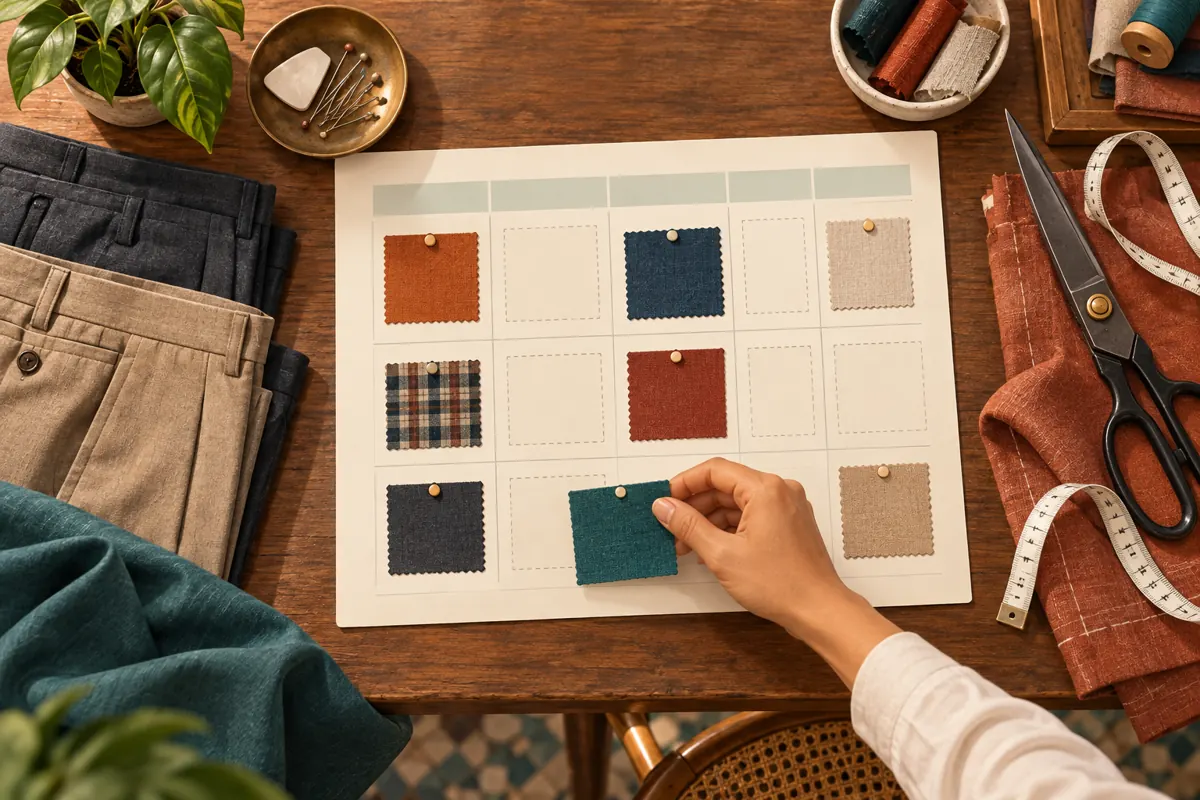
In a hypothetical Phnom Penh shop, a cancelled afternoon fitting leaves time to assess trousers, while complicated dress alterations still require a later consultation. The announcement should invite trouser-fitting enquiries. It should not promise same-day completion. Record the available appointment, responsible staff member and latest useful arrival time in the shop’s normal planner. Leave breathing room for a fitting that takes longer than expected.
3. Choose readers deliberately
Review the audience selection before sharing. Consider whether the people included have a reasonable interest in the offer and could realistically visit. An existing customer who asked about another alteration is a more relevant contact than an unfamiliar account added merely to increase the audience. Do not follow strangers indiscriminately to try to expand distribution.
If the shop uses Close Friends for customer updates, explain that purpose when inviting customers to participate. Let people decline without affecting their service. Review who belongs on the list when its purpose changes. A smaller audience still deserves careful handling: never include customer names, fitting measurements or private appointment details in the Note. Assume anything visible to another person could be copied or shown elsewhere.
4. Write one clear invitation
Build the message around the service, relevant day and next action. A hypothetical English Note could read: “Tue trouser fittings available. Reply for a time.” This invites a conversation without implying that replying reserves an appointment. Avoid vague lines such as “Something special today” when the actual purpose is to help someone decide whether to contact the shop.
Use the language your intended customers understand. For a predominantly Khmer-speaking customer list, prepare a natural Khmer version and have a fluent colleague check that “fitting” has not become “collection” or “finished alteration.” Preview it in the app rather than assuming an English character count transfers neatly. If the necessary wording does not fit, simplify the invitation and move conditions into the reply. Do not remove a qualification that materially changes the offer.
5. Prepare the first reply before sharing
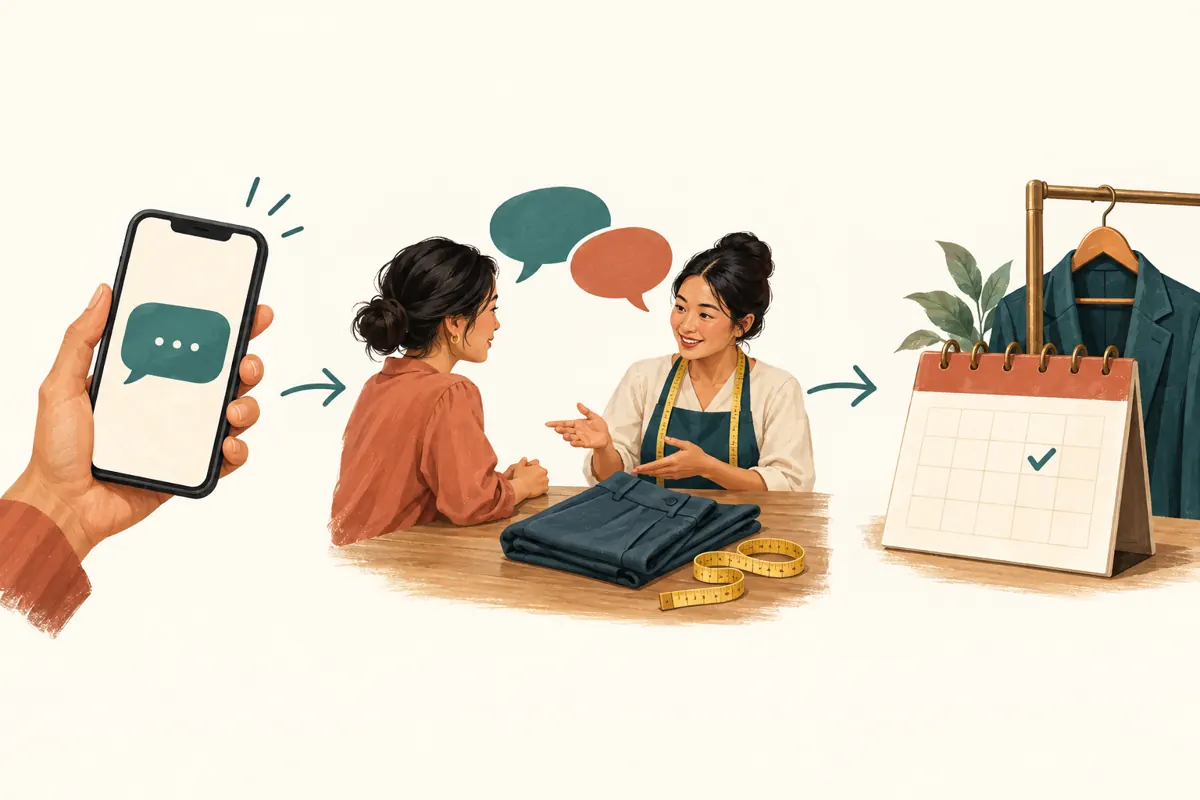
Decide what staff need to know before offering a time. For most fitting enquiries, start with the garment, requested change and required completion date. A useful hypothetical reply is: “What garment would you like adjusted, what needs changing, and when do you need it? We’ll check whether today’s fitting is suitable.” Ask for further information only when it helps assess the work.
Keep fitting availability, price and completion timing separate. Staff can offer an assessment without quoting a final alteration price from an unclear description. Explain when inspection is necessary and disclose any actual fitting charge before confirmation. If a photograph would help, request a garment detail rather than unnecessary personal images. Do not ask customers to send identification documents or payment credentials to establish an appointment.
6. Check the live message and assign an owner
Open the Notes composer from the inbox area if it is available, enter the approved wording and review the selected audience. Use the app’s current labels rather than relying on an old screenshot. After sharing, inspect your own live Note for mistakes. Where practical, arrange a simple visibility check with a consenting colleague who belongs to the intended audience.
Assign one person to monitor replies during the advertised window. That person needs access to current availability and authority to offer appointments. If everyone is sewing and nobody can respond, postpone the announcement. A time-sensitive invitation loses practical value when the first useful answer arrives after the opening has passed. Keep a short internal note of what was advertised and when someone will review it.
7. Make confirmation an explicit step
Treat an initial reply as an enquiry. Offer an available time only after checking suitability, then ask the customer to accept it. Once accepted, record the appointment and send a clear confirmation containing the date, Cambodia local time, shop location, fitting purpose and anything essential to bring. Explain that the completion date remains subject to assessment if it has not been agreed.
In a hypothetical exchange, someone asks whether trousers can be shortened before a weekend event. The shop offers a Tuesday afternoon fitting, the customer accepts, and staff enter it in the planner. A second person asking about that time should receive the next available option. If staff provisionally hold appointments, define a reasonable expiry and tell the customer. An unanswered offer must not silently block the calendar indefinitely.
8. Close the invitation when circumstances change
Review the Note as soon as the opening is filled, the fitter becomes unavailable or the useful arrival window ends. Use the available removal or replacement control to stop presenting outdated availability. Do not rely on automatic expiry to match the shop’s working day. A message about an afternoon opening can become inaccurate well before it disappears.
Check conversations already underway separately. Removing an announcement does not resolve an outstanding offer, cancel a confirmed appointment or explain a change to someone travelling to the shop. Contact affected customers directly with accurate options. At handover, tell the next staff member which appointments are confirmed, which offers remain unanswered and whether any availability message still needs attention.
9. Recognize where panel services do not fit
The supplied cambo-tools.com catalogue includes “Instagram Followers ~ 𝗛𝗤 𝗔𝗰𝗰𝗼𝘂𝗻𝘁 ~ Max 1M ~ 100k/days ~ Instant ~ 𝐍𝐎 𝗥𝗘𝗙𝗜𝗟𝗟”. It is categorized as an Instagram follower service, but its description is empty. The title alone does not substantiate account quality, delivery speed or any other promotional claim. Nothing supplied establishes a service for showing this Note to suitable Cambodian fitting customers.
For this workflow, the sensible SMM panel decision is to skip a follower purchase. Purchased engagement is not evidence of genuine interest, Cambodian users, sales or ad delivery. It also does not establish appointment suitability or willingness to visit. Instagram’s published guidelines prohibit artificially collecting likes, followers or shares. Allocate effort to relevant content, clear replies and real availability instead of using an inflated total as proof of local demand.
10. Review actual conversations and avoid predictable mistakes
Keep a modest record of the announcement, suitable enquiries, confirmed fittings and completed visits. When a conversation clearly replies to the Note, record that connection. When someone arrives through another route, ask how they heard about the opening if it is useful, and leave the source unknown when it is unclear. Do not calculate a viewing conversion rate without a reliable viewing denominator.
Common mistakes include promising completion when only an assessment is available, leaving vague “today” wording active, offering the same slot twice and treating every reply as buying intent. If nobody responds, inspect audience relevance, clarity, timing and response readiness before drawing conclusions. Try one purposeful change at the next genuine opening. Repeating the same invitation continuously can create irritation without explaining why the first attempt produced little useful conversation.
Frequently asked questions
Can a Note reach every follower of the shop?
Do not plan on that assumption. Meta’s documented audience choices for Notes are followers you follow back or your Close Friends list. Check what your app offers and which audience is selected. Even when someone is eligible to see the Note, that does not prove they noticed it. Use a public post or another suitable communication route when the information needs broader visibility.
What if Notes is not available on the shop’s account?
Check the current app and available inbox controls, but do not delay a genuine appointment opportunity while trying to force the feature to appear. Use an ordinary Story or another existing customer communication route with clear wording and an appropriate audience. Keep the same capacity check, reply process and explicit confirmation. An SMM panel purchase should not be treated as a way to unlock the feature.
Should the shop advertise a discount to fill the opening?
Only if there is a real, approved offer with terms staff can explain. An available appointment can be useful without a discount. If price depends on inspecting the garment, avoid a short message that implies every alteration costs the same. Calculate whether an offer is sustainable and explain exclusions before the customer commits or makes a special journey.
Does a reply mean the appointment is reserved?
No. A reply may be a price question, a request for another day or an enquiry about unsuitable work. Use an explicit confirmation process: assess the request, offer an available time, obtain acceptance and enter it in the planner. Tell customers when an offer is provisional. This prevents a friendly acknowledgement from being mistaken for a booking.
How should staff answer after the advertised opening is filled?
Acknowledge that the opening has been taken and offer a genuinely available alternative. If none suits, ask whether the customer wants to hear about a future cancellation rather than adding them automatically to repeated messages. Update the live announcement and check whether another staff member has already offered the same time. Avoid inventing additional capacity to preserve the promotion.
Explore the current service catalogue, create an account, or ask a specific question through support tickets.
- Meta: New Sharing Features on Instagram—Notes, Group Profiles and More
- Instagram Community Guidelines
Prepared with AI assistance. Illustrations explain the workflow and do not represent customer results.